
David Runciman · 13th March 2026
The best Salesforce UI testing tools in 2026
When a critical user journey breaks silently after a deployment, the cost isn’t just technical. Team productivity and end users’ trust in Salesforce take a hit.
UI testing for Salesforce is pretty complicated. The Salesforce platform’s three major releases each year can change user journeys and break your tests. Salesforce uses Shadow DOM to protect Lightning Web Components (LWCs) from changes, but this makes it hard for standard testing tools to locate page elements.
So which Salesforce UI testing tools can help? And which is the right choice for your team?
In this article, we’ll take a look at the pros and cons of Salesforce’s own UTAM framework, component-level testing with LWC Jest, open-source options, and dedicated platforms that integrate UI testing into the DevOps lifecycle. We’ll be making the case for Gearset’s approach, while recognizing the genuine strengths of alternative solutions.
Criteria for evaluating UI testing solutions
First, we should be clear on our criteria. What does good look like for Salesforce UI testing tools?
- Stable test execution that doesn’t break with every Salesforce release
- Handles Salesforce-specific complexity: Shadow DOM, dynamic IDs, Lightning components
- Accessible to non-developers, not just QA engineers with coding skills
- Integrates with your CI/CD pipeline so tests run automatically on deployment and act as a quality gate
- Minimizes ongoing test maintenance as your org and the platform evolve
- Covers critical user journeys end-to-end, not just isolated actions
1. Gearset Automated Testing
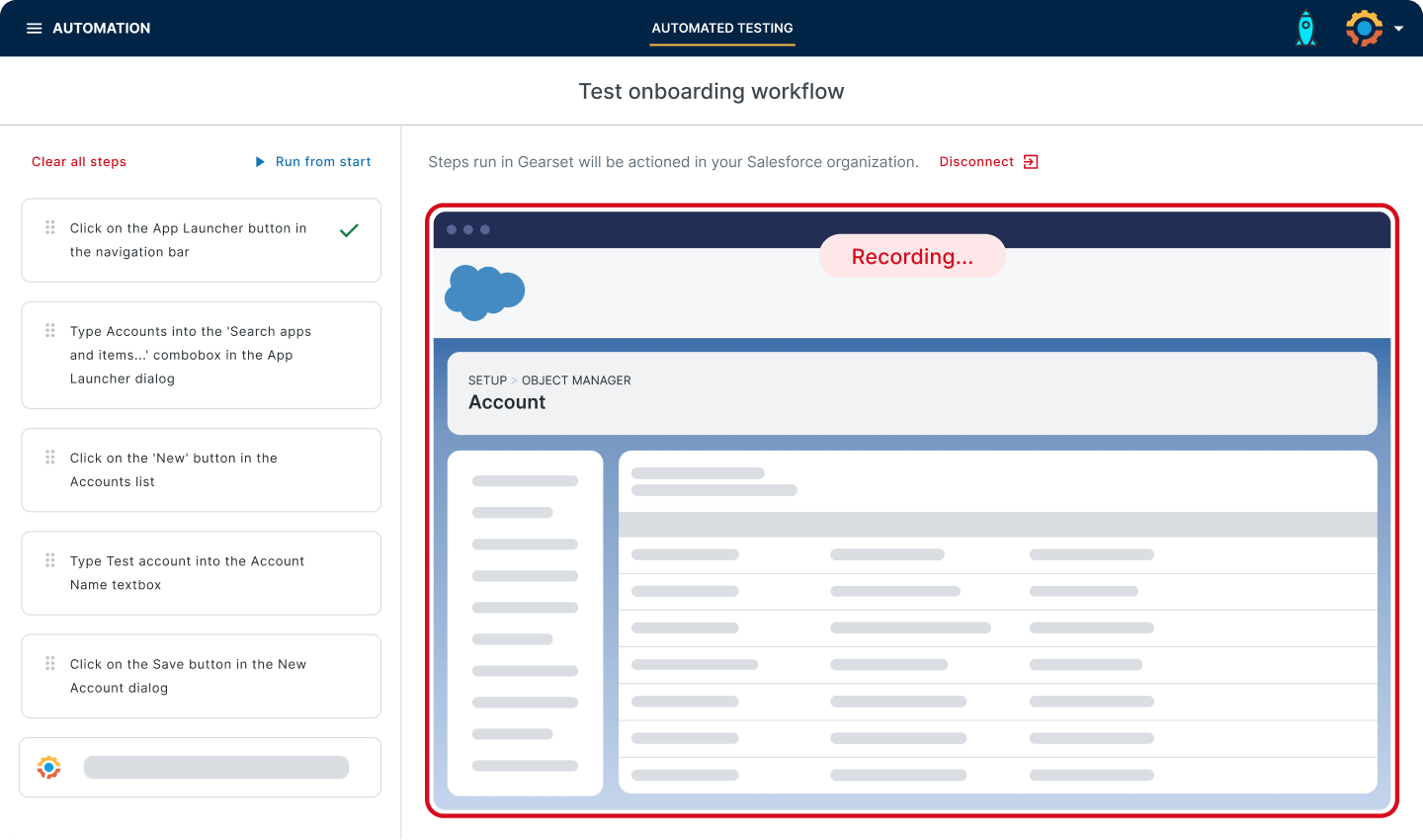
Gearset Automated Testing is an AI-powered UI testing solution built specifically for Salesforce. It’s integrated directly into Gearset’s DevOps platform, while also being available as a standalone product. Gearset uses AI to remove the barrier to entry for UI test creation. You can click through a user journey while Gearset screen records and translates the actions into a UI test, and you can use natural language prompts to add assertions.
Strengths:
- Built for Salesforce complexity. Gearset Automated Testing handles Lightning components, Shadow DOM, and Salesforce’s release cycle natively, without requiring custom workarounds.
- AI-powered scriptless test creation. Tests are built through screen recording and natural language, making test creation accessible to admins, business analysts, and non-technical team members — not just developers.
- Tests run as real users. Test cases execute using real Salesforce profiles and permission sets, so you can validate that workflows behave correctly across different user roles.
- Integrated with the Gearset DevOps platform. Automated Testing connects directly with Gearset Pipelines, making it part of a unified release workflow rather than a separate tool to manage.
- Resilient to Salesforce updates. Rather than relying on brittle technical locators that break when Salesforce changes the DOM, tests focus on what’s visible on screen and how real users interact with the org.
Weakness:
Automated Testing is a paid-for, third-party solution, so teams may need to demonstrate the ROI and build a case for non-native tooling. AI is baked into the product, so teams with constraints on AI usage may have additional steps for due diligence during procurement.
2. UTAM (Salesforce native)
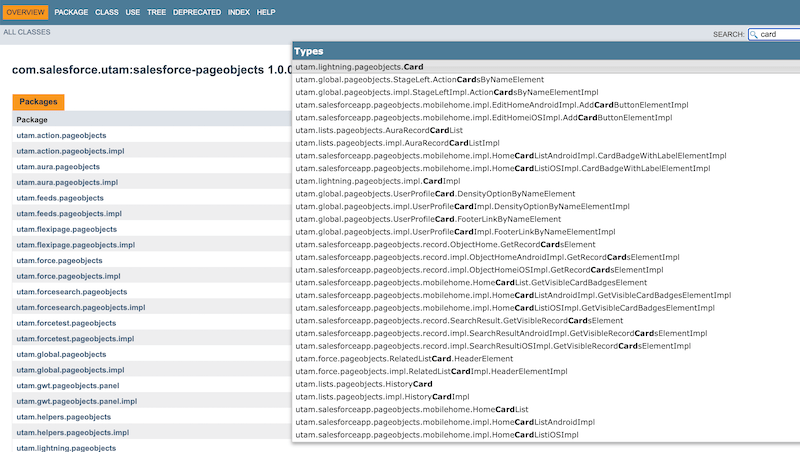
UTAM (UI Test Automation Model) is Salesforce’s open-source framework for tackling the specific challenges of testing Lightning Experience. It’s built around the Page Object Model (POM): instead of writing test scripts directly, developers define page-object structures in JSON, which UTAM compiles into Java or JavaScript classes their tests can call. UTAM works alongside execution frameworks like Selenium or WebdriverIO.
Strengths:
- Free and open-source. UTAM is maintained by Salesforce.
- Purpose-built for Lightning. UTAM has native support for Shadow DOM, removing the need for custom workarounds to access LWC components.
- Reduced maintenance. When Salesforce changes the DOM during a release, you update the relevant JSON page-object definition — not dozens of test scripts.
- 700+ Salesforce-maintained base page objects. There’s a growing library of official page objects.
- Chrome extension for test authoring. The UTAM Chrome extension helps teams visually identify and navigate page objects when building tests.
Weakness:
UTAM requires technical depth to implement and operate well. It doesn’t run tests on its own; you need to set up and maintain a test execution framework, such as Selenium or WebdriverIO. There’s no built-in test runner, no reporting dashboard, and no CI/CD integration out of the box. Non-technical users can’t contribute to test creation. Even for teams with dedicated automation engineers, the setup and maintenance investment is still significant.
3. Provar
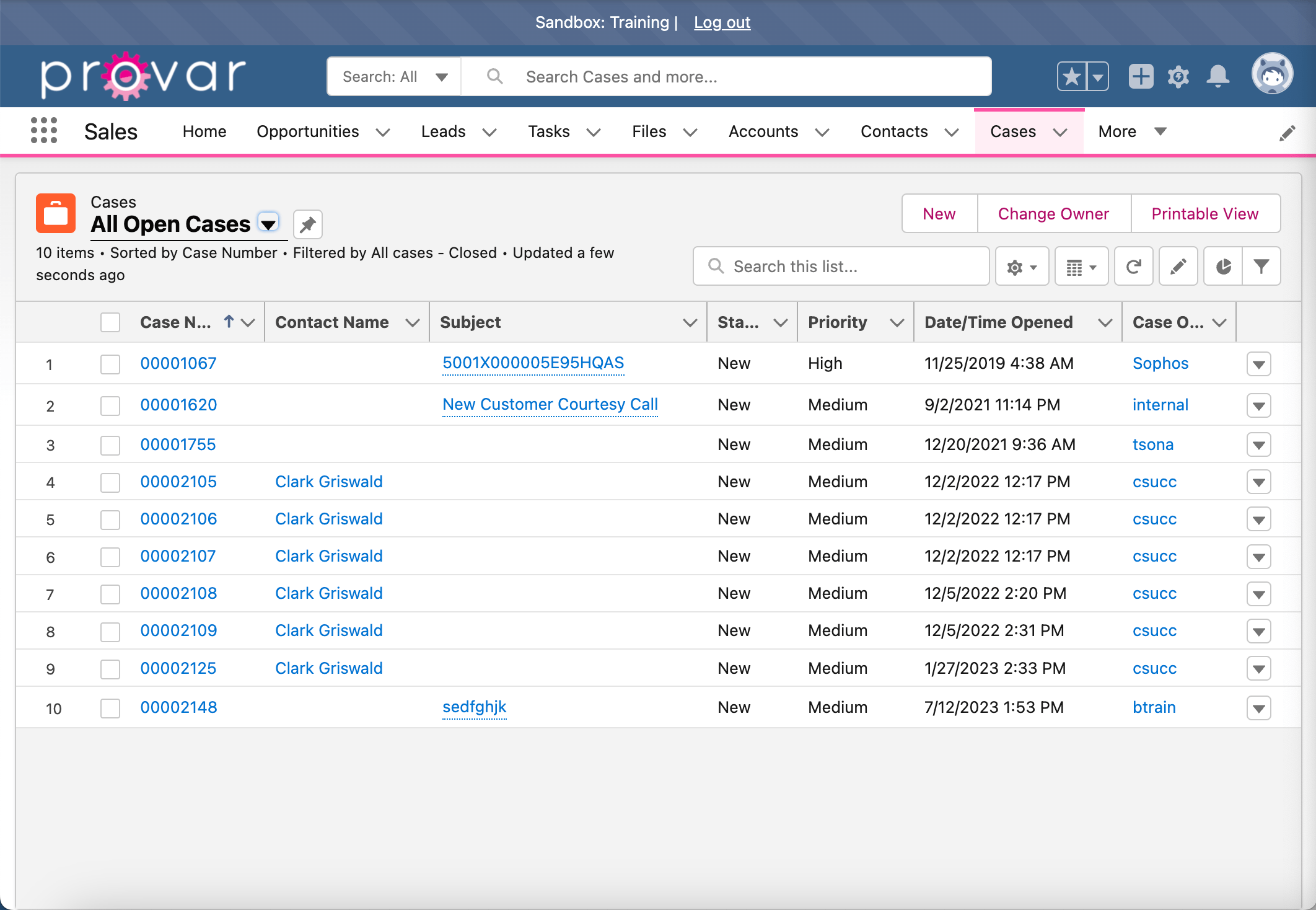
Provar is one of the longest-established Salesforce testing platforms. Rather than relying purely on DOM locators, Provar connects tests to Salesforce metadata — fields, objects, and layouts — so tests are less sensitive to UI changes.
Strengths:
- Metadata-based test design improves stability across releases
- Shadow DOM handling via ProvarX
- Chrome-based Test Builder accessible to non-technical users
- Extensible with SOQL and Apex for advanced use cases
Weakness:
Provar is a standalone solution that needs to be integrated with your DevOps process. Some users on G2 flag the cost as a challenge.
4. ACCELQ
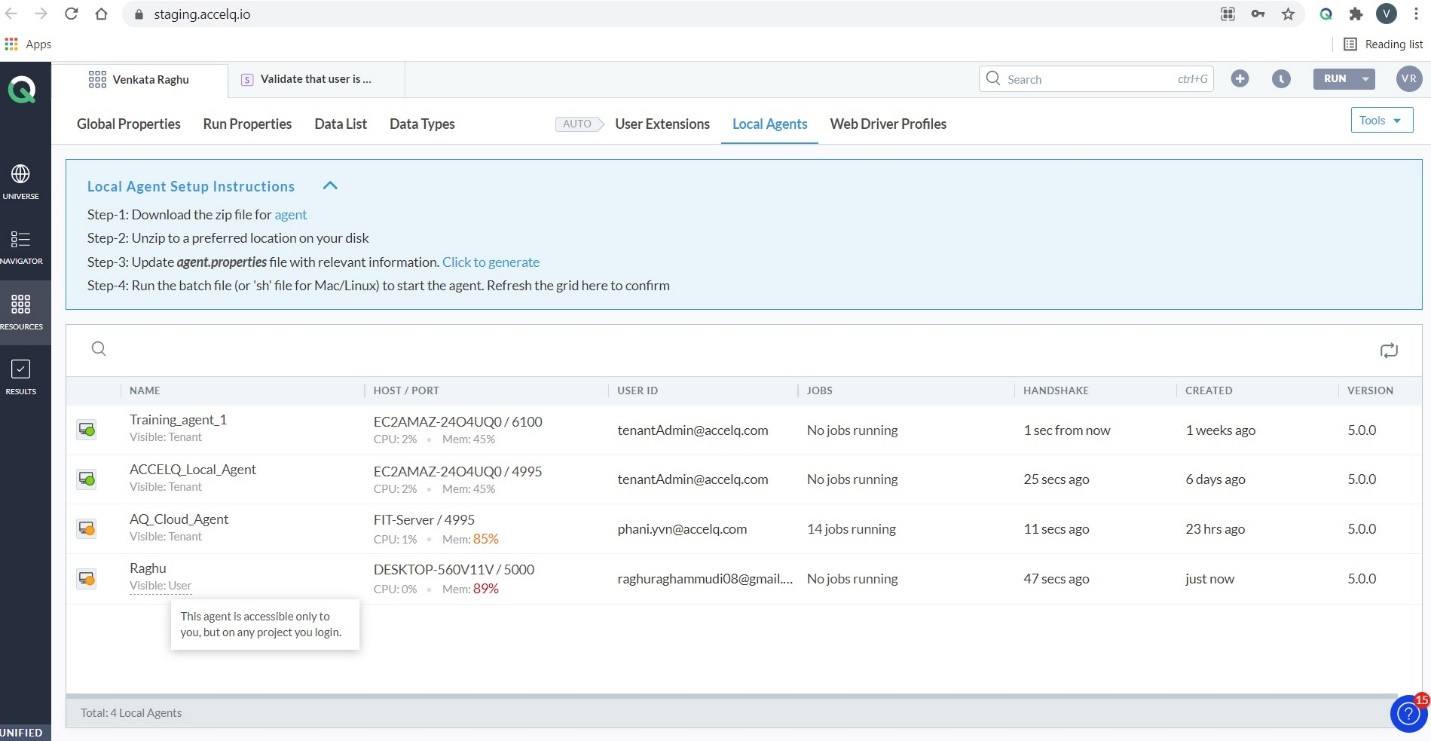
ACCELQ is a no-code test automation platform with official Salesforce ISV partner status. Its AI-driven approach lets teams build and maintain complex test scenarios without writing code, and it stays synchronized with Salesforce’s release cycle.
Strengths:
- No-code test creation
- Automatic Shadow DOM handling
- Stays aligned with platform releases
- UI, API, and backend testing on one platform
Weakness:
ACCELQ is a standalone testing solution that needs to be integrated with your release pipeline.
5. Copado Robotic Testing
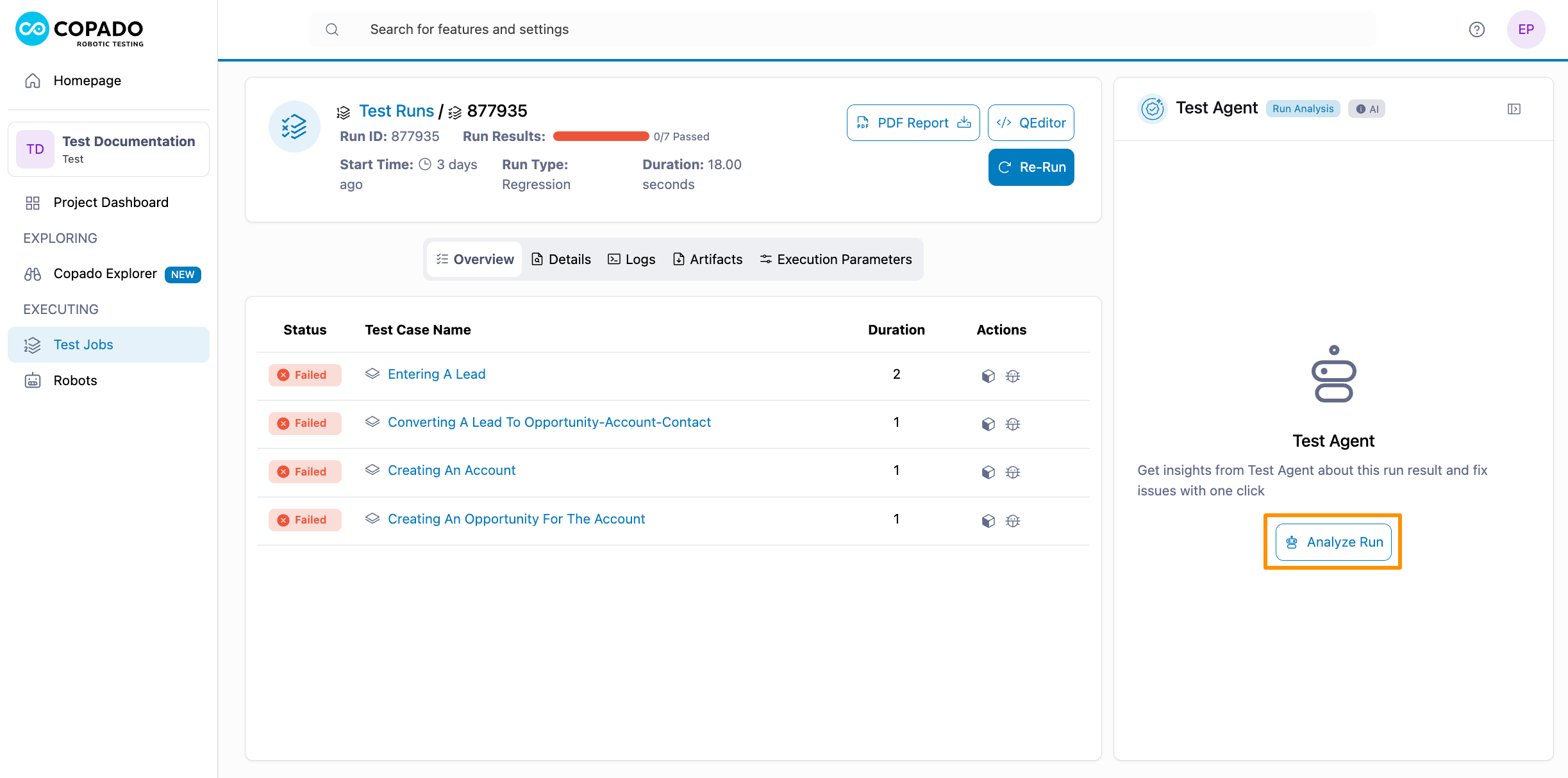
Copado Robotic Testing (formerly Qentinel, acquired by Copado in 2021) is an AI-powered testing solution, where a visual UI recorder auto-generates test scripts from recorded interactions. Robotic Testing also provides failure analysis and suggests AI-generated fixes. For existing Copado customers, integrating Robotic Testing means managing Salesforce DevOps with one vendor, though Robotic Testing is not built on the core Copado platform.
Strengths:
- No-code and low-code test creation. Visual recording makes test creation accessible to QA and business users without automation expertise.
- AI-powered test generation and maintenance. Copado’s Test Agent generates test cases from plain-language prompts, and self-healing capabilities reduce maintenance when the Salesforce UI changes.
- Parallel execution. Runs up to 100 tests simultaneously, reducing the time cost of full regression runs.
- Coverage beyond Salesforce. Supports testing across SAP and ServiceNow.
Weakness:
Copado Robotic Testing integrates with Copado, but isn’t part of its DevOps platform. Users report Copado’s support falling short of expectations, and they offer mixed reports around ease of implementation, with some warning it takes time and planning to get stable testing.
6. Testsigma
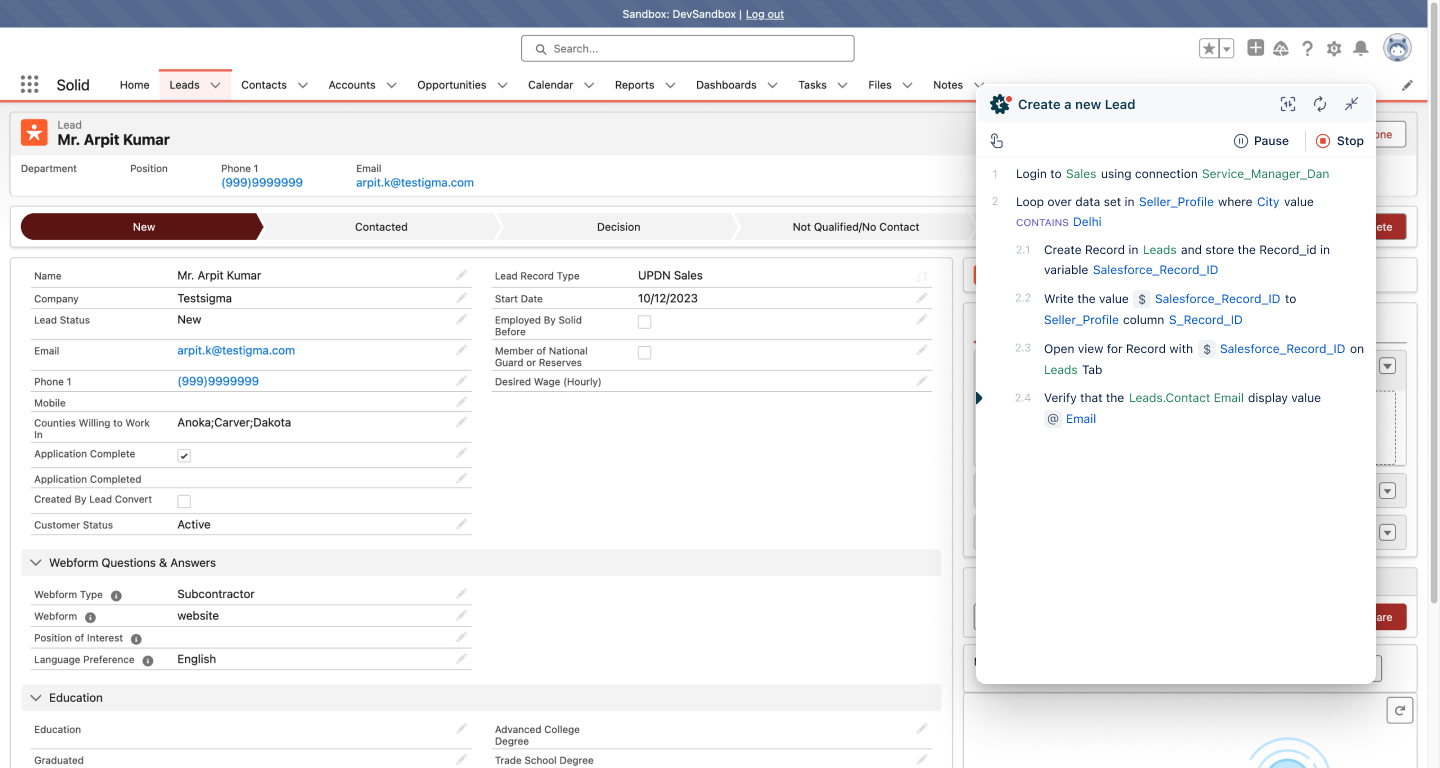
Testsigma is a general-purpose testing platform that supports Salesforce alongside web and mobile apps. It lets users create test cases using natural language, with dynamic element handling to keep tests stable as the org changes.
Strengths:
- Natural language test creation
- Dynamic element handling for Salesforce Lightning
- Free Community Edition available
Weakness:
Teams may find purpose-built tools offer more native Salesforce context.
7. Keysight Eggplant
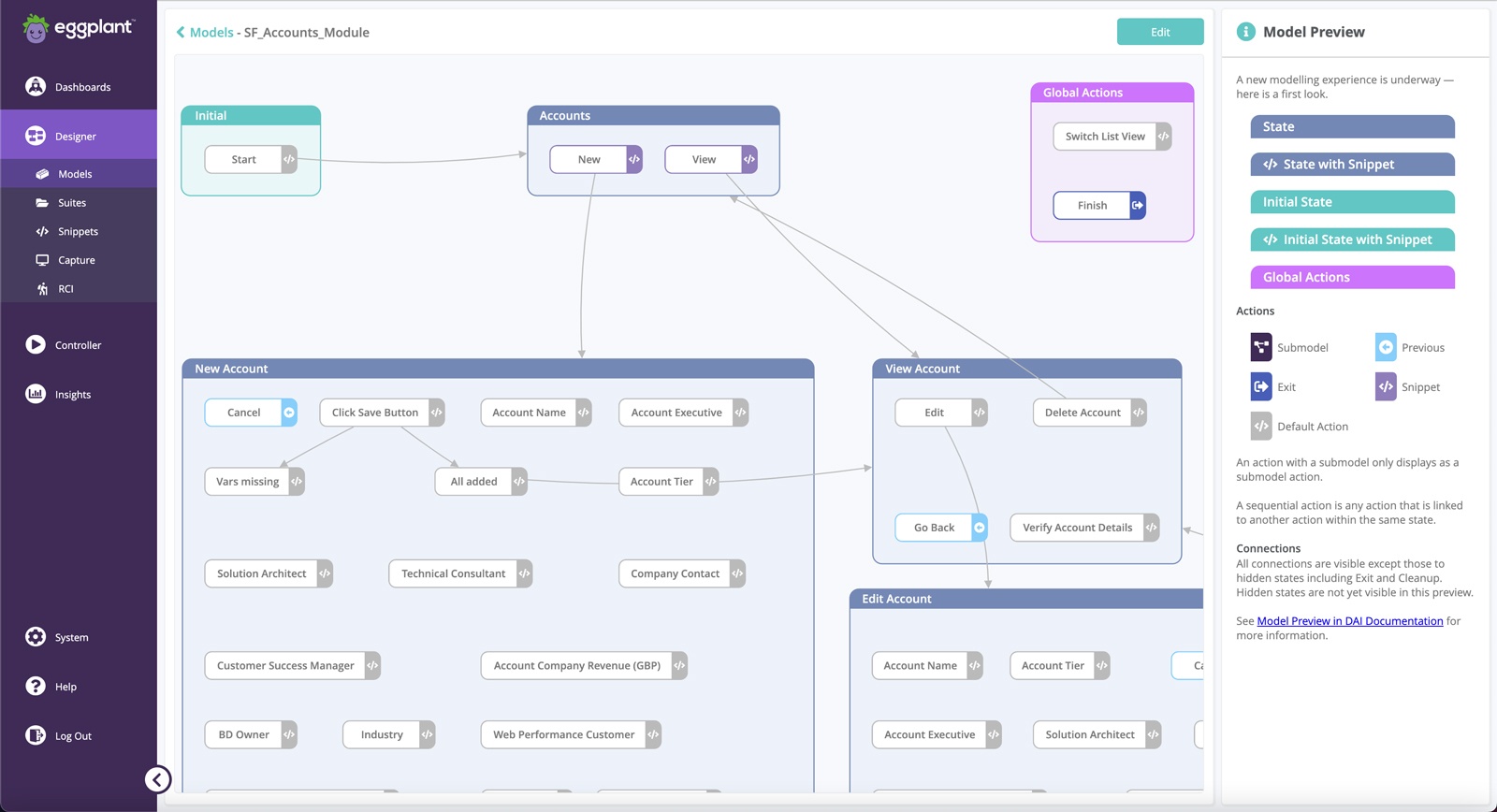
Keysight Eggplant uses AI-powered image recognition to run test flows that simulate real user journeys. It can handle journeys that span Salesforce alongside desktop applications, mobile interfaces, or PDF documents.
Strengths:
- Bypasses Shadow DOM and DOM fragility entirely via visual testing
- Handles cross-system end-to-end journeys
Weakness:
Visual testing can be sensitive to cosmetic changes that have no functional impact. Changes to layouts, branding, or component positioning can trigger false failures. Reviewers note the cost is higher than most alternatives in this space.
8. Tricentis
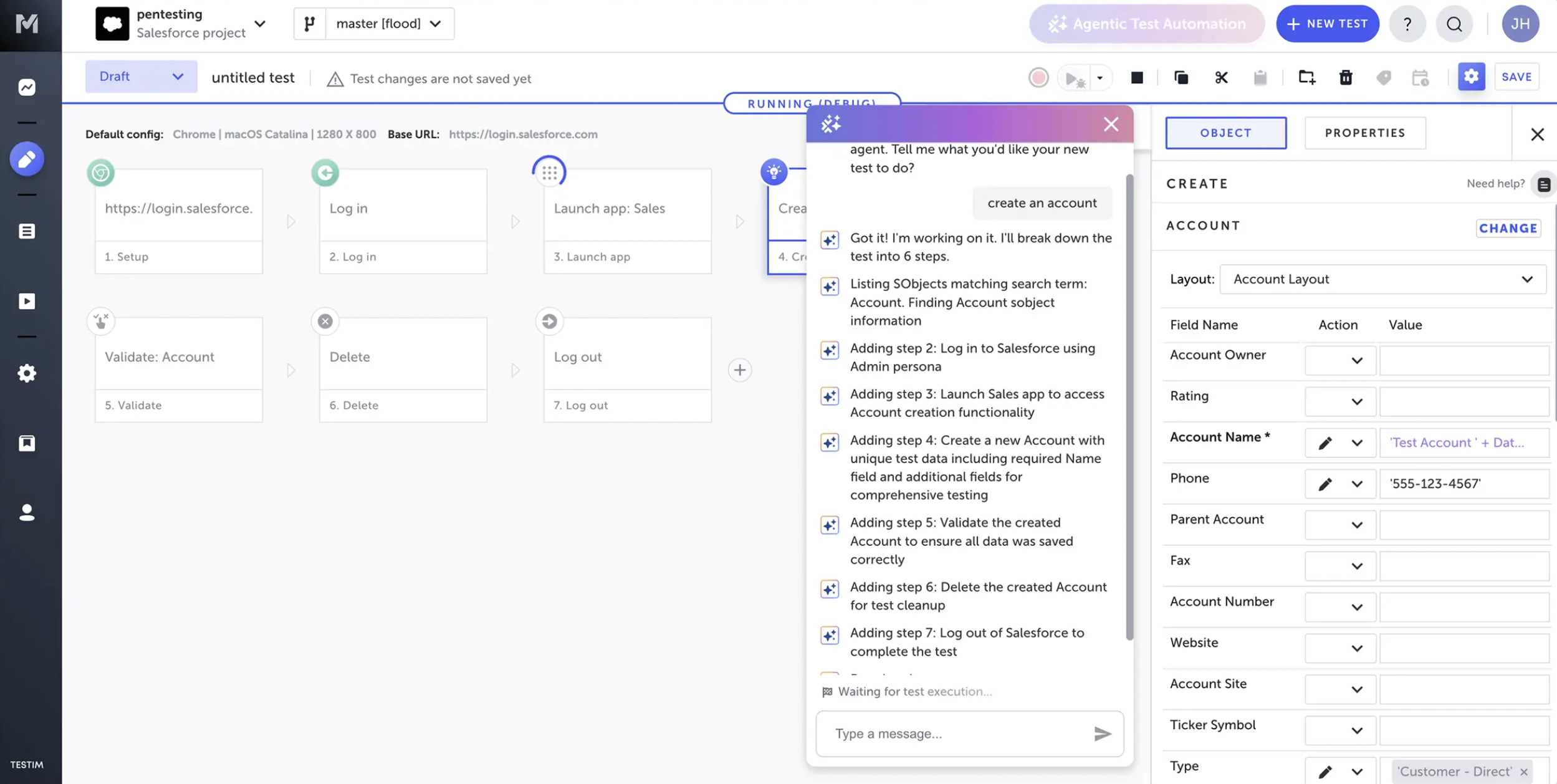
Tricentis is built for organizations that need to test complex processes that extend beyond Salesforce into systems like MuleSoft, SAP, and other enterprise applications. Tests are codeless by default, with AI-assisted and model-based locators to improve resilience to UI changes.
Strengths:
- Cross-system process testing (Salesforce, MuleSoft, SAP, etc.)
- Codeless test creation with AI-assisted locators
- Pre-built Salesforce action components
Weakness:
For teams focused purely on Salesforce, Tricentis’ breadth may be more than is needed, and the platform can be complex to implement compared to Salesforce-specific tools. Reviewers consistently flag it as among the most expensive options in the testing market.
9. Playwright and Selenium (open-source)
For teams with developer capacity and a need for full control, general-purpose open-source frameworks remain an option.
Playwright (by Microsoft) includes built-in Shadow DOM support, automatic wait handling, and faster performance than traditional Selenium setups. Selenium is the more established option with a large ecosystem, though it requires significantly more manual configuration to work reliably with Salesforce.
Neither tool includes Salesforce-specific features. You’ll need to build and maintain your own page objects, wait conditions, and DOM traversal logic, and keep all of that functioning through Salesforce’s three annual releases. UTAM was specifically designed to sit on top of these frameworks and address those gaps — so teams considering this route should evaluate UTAM alongside their execution framework of choice.
Strengths:
- Free and open-source
- Full flexibility and control
- Large community and documentation
- Playwright in particular handles Shadow DOM well
Weakness:
Salesforce-specific complexity is your problem to solve. This means substantial ongoing maintenance overhead, and a high technical bar to implement reliably.
Keep learning about Salesforce testing
If you’re exploring UI testing solutions and want to learn more about testing best practices for the Salesforce platform, check out the relevant courses on DevOps Launchpad — the free training platform for all things Salesforce DevOps.
We have a course on UI testing specifically, written with Provar. And we have a general course on Salesforce testing and test automation which is part of our DevOps fundamentals certification track. Sign up and get started today!